PO Box 431
Wetumka, OK 74883

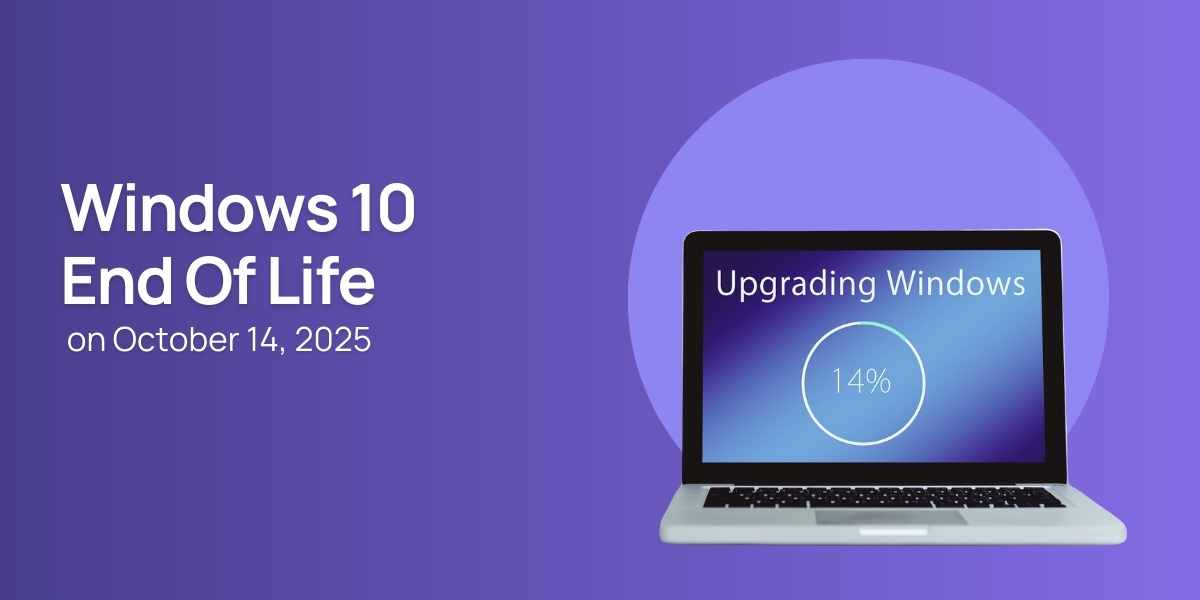
Microsoft has officially announced that Windows 10 will reach end-of-support on October 14, 2025. After this date, the operating system will no longer receive security patches, bug fixes, or feature updates. While your computer will continue to run, the lack of updates means growing security risks, decreasing software compatibility, and an overall decline in system performance over time.
When an operating system reaches the end of its lifecycle, Microsoft stops releasing updates entirely. This includes:
Security updates: Without them, new vulnerabilities remain unpatched, making your computer an easy target for malware, ransomware, and cyberattacks.
Driver and hardware support: New devices may not function properly on Windows 10.
Software compatibility: Many modern applications are optimized for Windows 11 and beyond, which means you could lose access to new features or future versions of the apps you rely on.
Reduced performance and reliability: Over time, outdated systems tend to slow down and become less stable.
Upgrading to the latest version of Windows ensures that your device:
Receives all current and future security protections
Gains access to new features and productivity tools
Remains compatible with modern software and hardware
Performs more efficiently and reliably
Windows 11, for example, offers stronger built-in security, improved performance, a redesigned interface, and enhanced support for hybrid work environments.
If you're unsure whether your computer is ready for the upgrade—or if you'd like the process handled professionally—IT Solidity’s team can assist you from start to finish. Their experts can:
Check whether your device meets system requirements
Back up your files safely
Install and configure the latest version of Windows
Ensure your apps and settings are transferred properly
Provide guidance on new features and best practices
Upgrading doesn’t have to be stressful. With IT Solidity, you can transition smoothly and ensure your computer remains secure, fast, and fully supported.








Share This News